Nova Client for Minecraft 1.21.11

v1.21.11 · Fabric Loader · Free

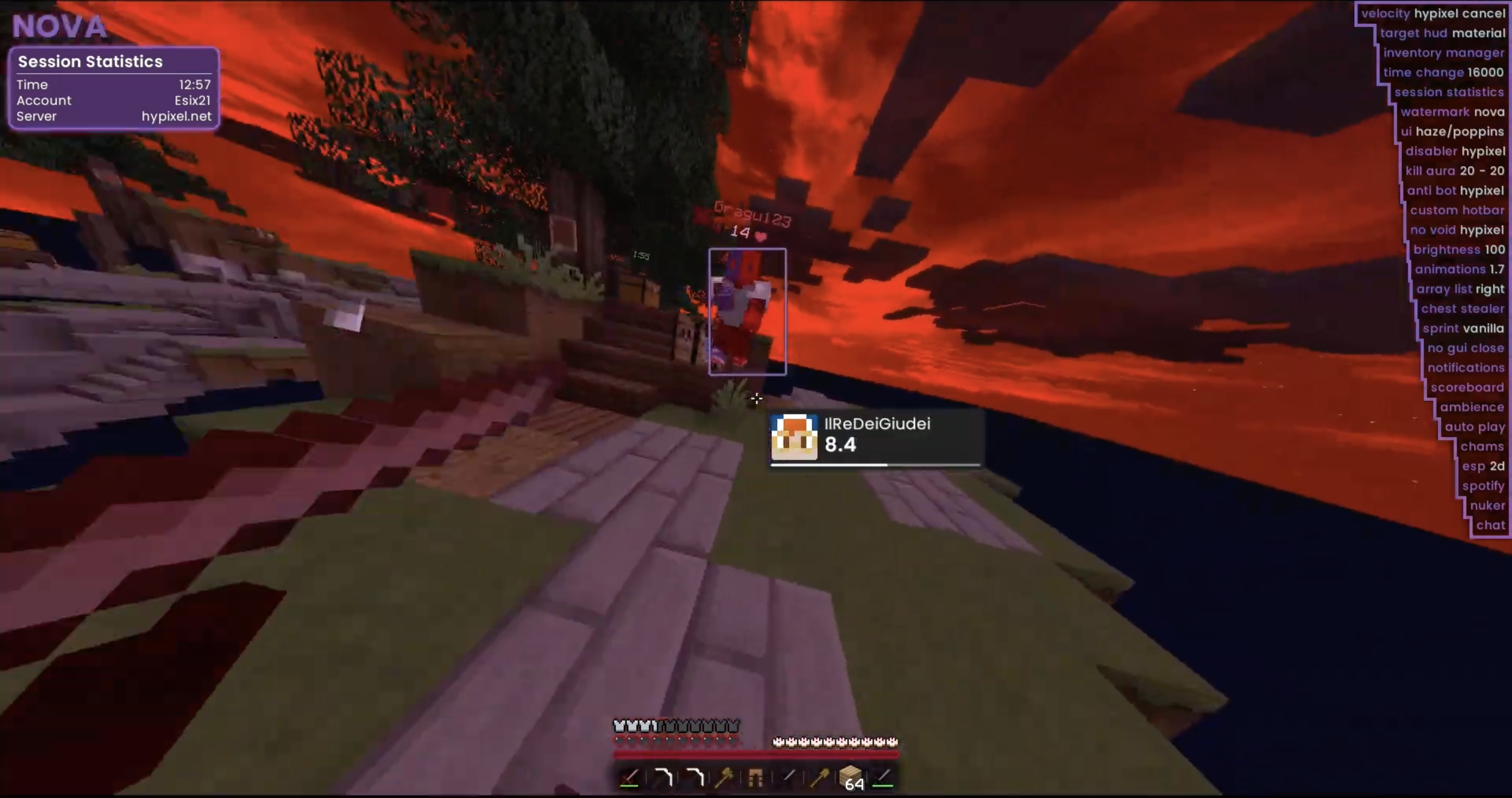
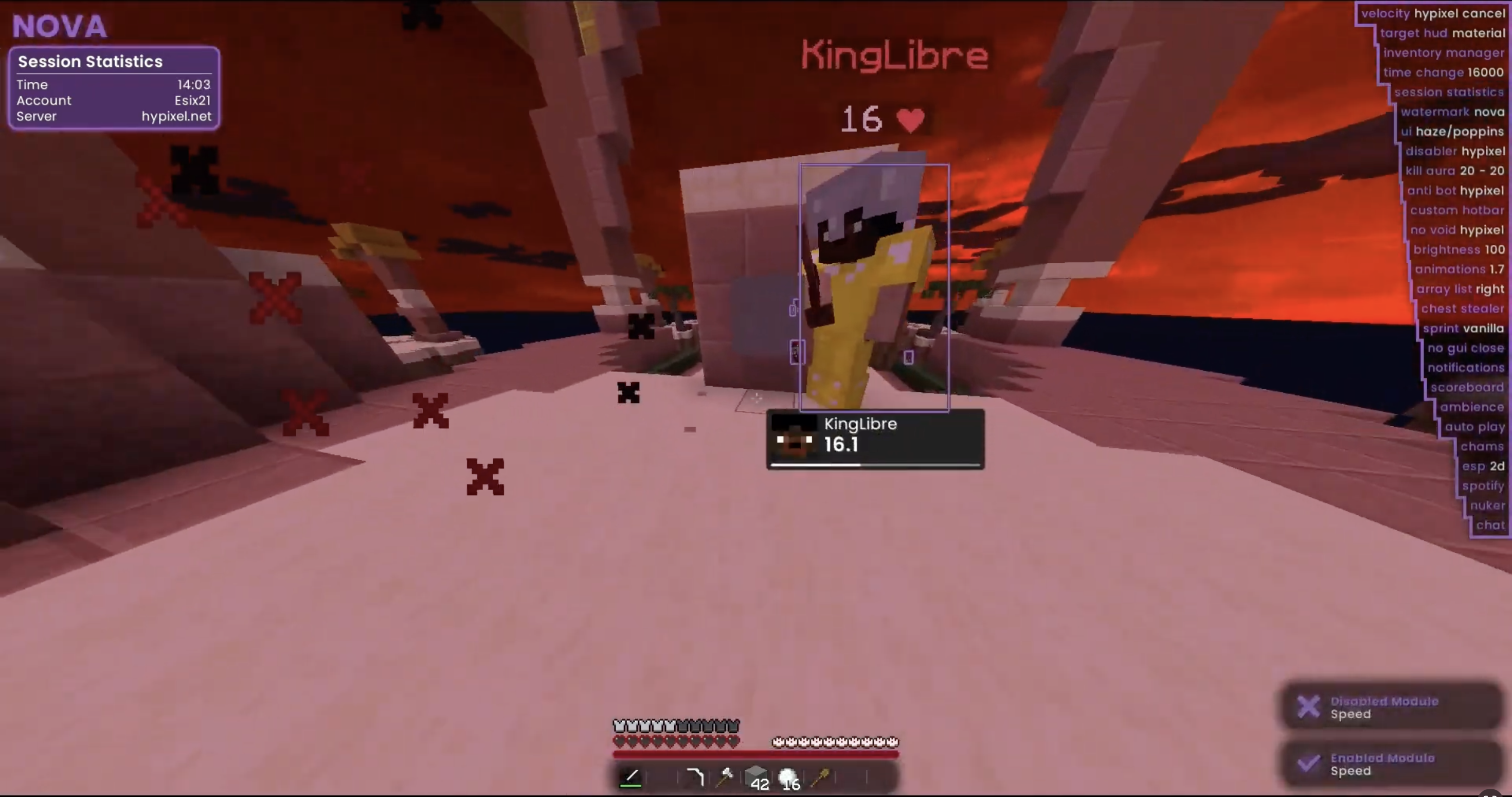
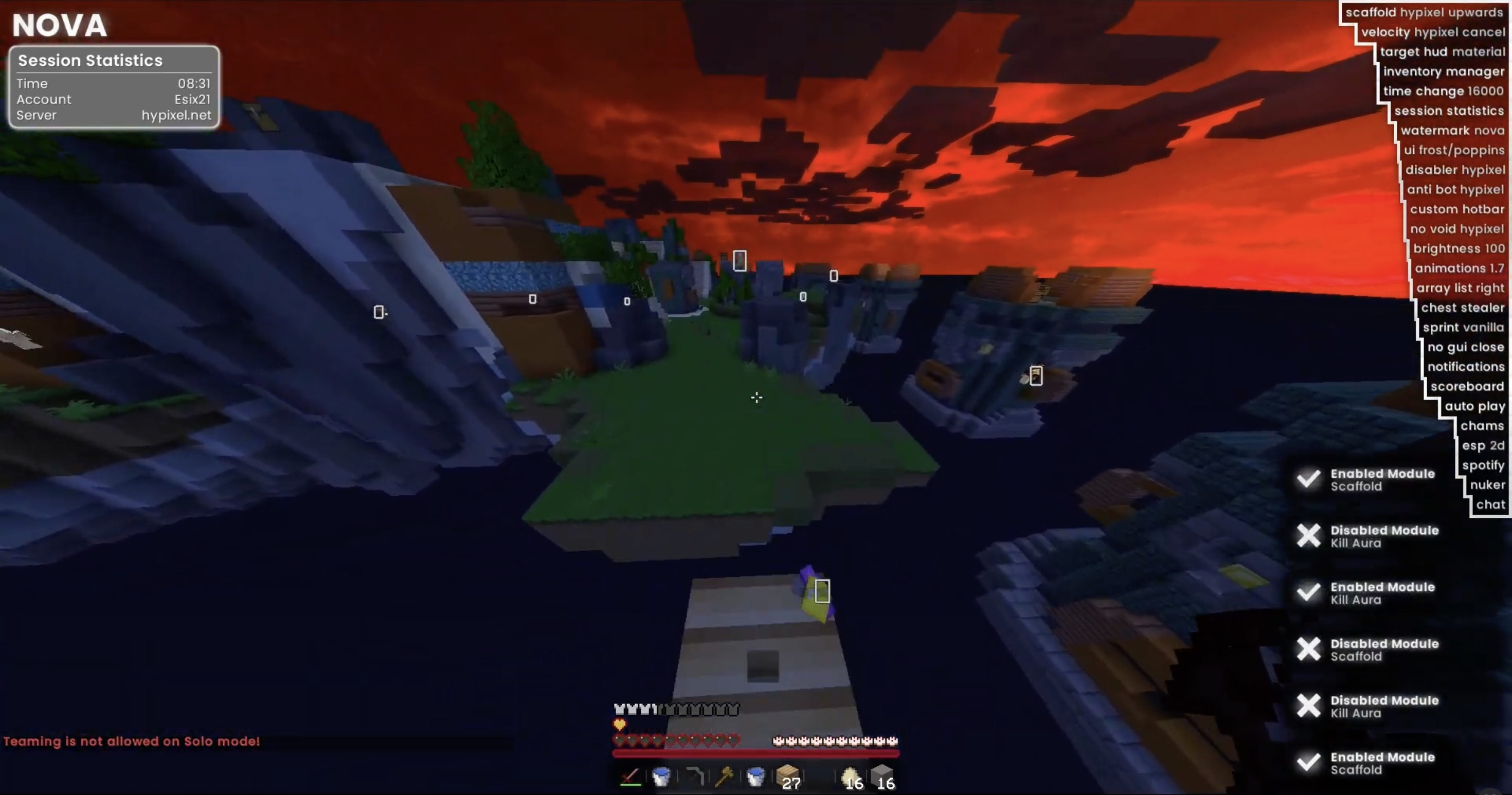
Nova Client is built for players who demand clear visuals, responsive module control, and stable performance in competitive sessions. Category-first layout, direct feature state indicators, and a single .jar install.

70+Modules
1.21.11Minecraft
FreeDownload
⬇ Download Nova Client

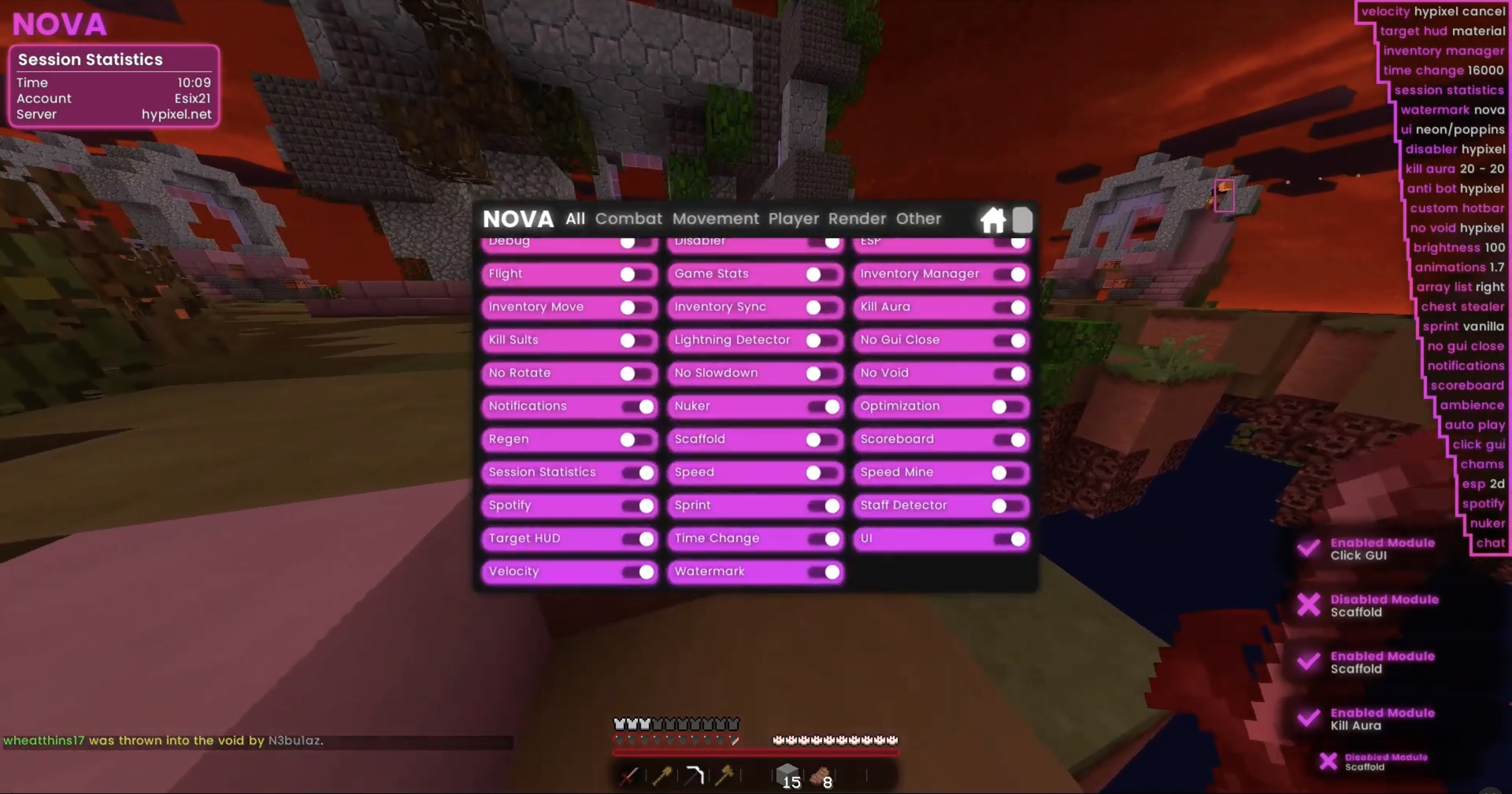
Interactive GUI Preview

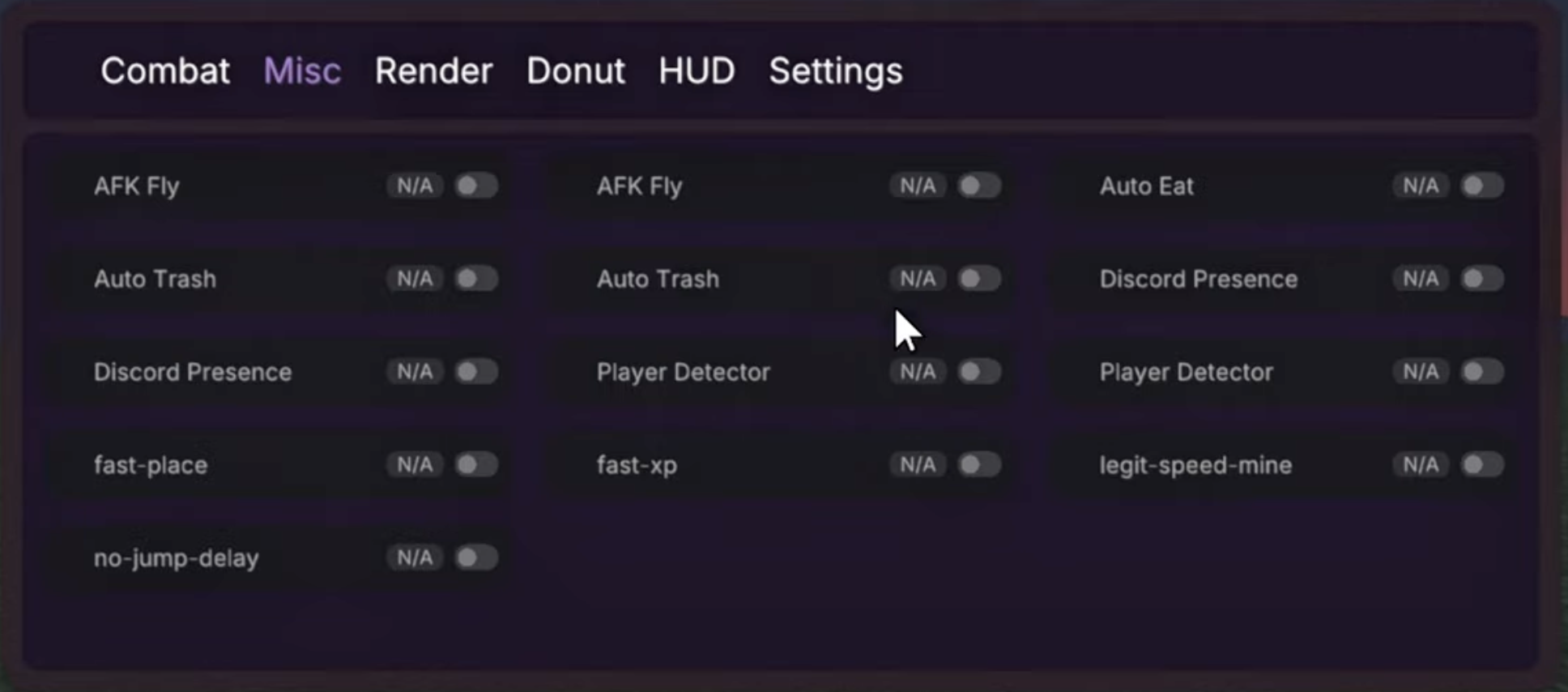
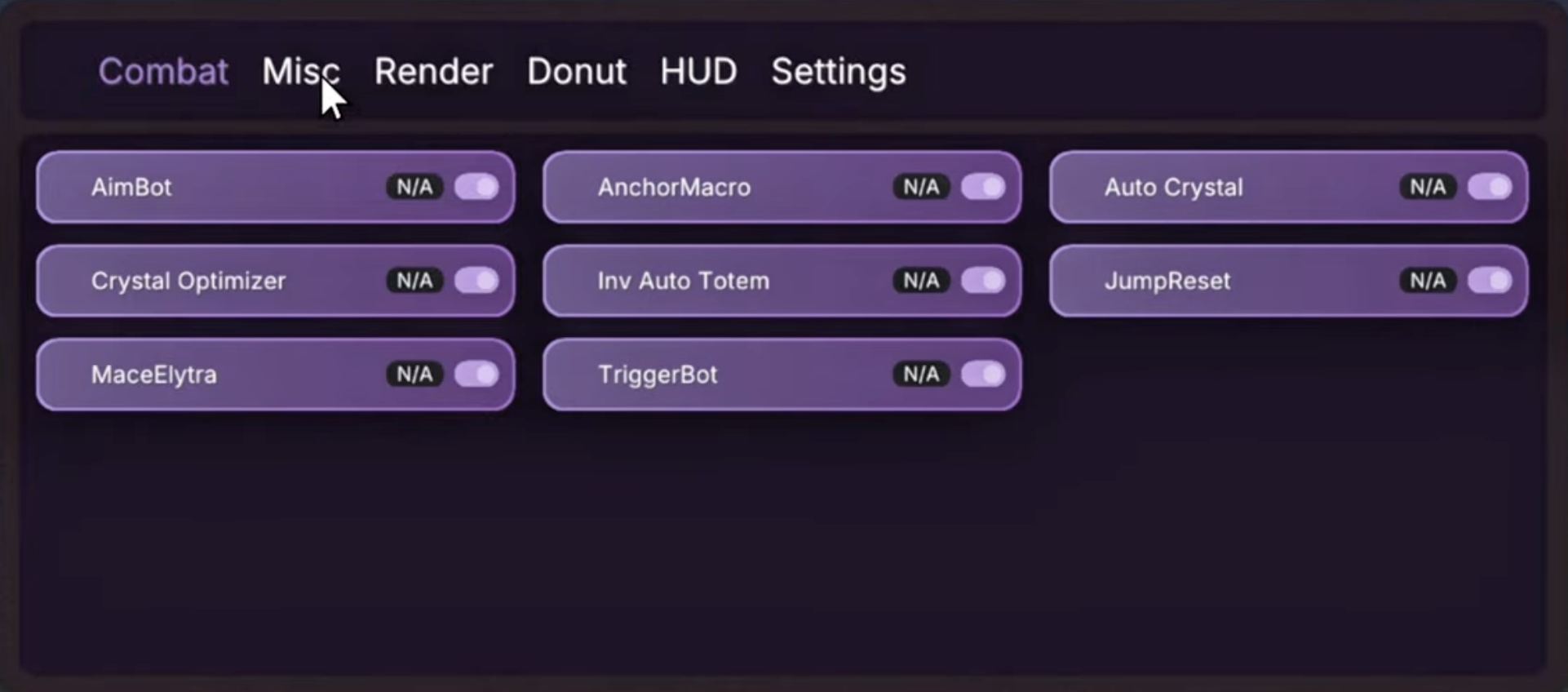
Browse all module categories and toggle feature states — exactly how it looks in-game.

Combat Modules

AutoTotem
Auto-equip totems on low health
OFF
CrystalESP
Render crystal damage predictions
OFF
DoubleAnchor
Place and ignite anchors in one action
OFF
AnchorMacro
Automated anchor sequence macro
OFF
SafeAnchor
Prevents self-damage from anchors
OFF
HoverTotem
Hold totem in hand while hovering
OFF
PearlThrow
Optimised ender pearl throwing
OFF
NoInteract
Block accidental block interactions
OFF
AntiTrap
Auto-escape from trap structures
OFF

Donut Modules

FakeScoreboard
Display a custom scoreboard overlay
OFF
SilentHomeSetter
Set home without visible chat commands
OFF
AntiBlockRotate
Prevent forced block rotation
OFF
AutoReconnect
Auto-reconnect on disconnect
OFF
TotemOverlay
Totem count screen overlay
OFF
NameProtect
Hide your username in screenshots
OFF
ChunkFinder
Highlight chunk boundaries
OFF
SkinChanger
Client-side skin preview changer
OFF
StorageESP
Highlight chests and storage blocks
OFF
HoleESP
Show safe obsidian holes
OFF
CloudConfig
Sync config via cloud profile
OFF
Friends
Friend list with highlights
OFF

Render Modules

PlayerESP
Highlight players through walls
OFF
Nametags
Custom player nametag renderer
OFF
HoleESP
Visualise safe obsidian holes
OFF
StorageESP
Highlight chests and barrels
OFF
BaseESP
Mark potential base structures
OFF
ChunkFinder
Visualise chunk grid
OFF
StashFinder
Find stash-like tile entity clusters
OFF
Tracers
Draw lines to nearby players
OFF
FullBright
Maximise gamma / visibility
OFF
ExtraESP
Custom entity highlight presets
OFF

Player Modules

FastUse
Reduce item use delay
OFF
AutoEat
Eat food automatically on hunger
OFF
AutoTotem
Keep totem in offhand automatically
OFF
SilentMine
Mine without arm animation
OFF
InventoryTweaks
Auto-sort and refill inventory
OFF
TotemCounter
Count totem pops in session
OFF
TotemOverlay
Screen overlay for totem count
OFF
NameProtect
Obscure name in screenshots
OFF
SkinChanger
Preview skin changes client-side
OFF
Friends
Manage and highlight friends
OFF

Movement Modules

Speed
Increase base movement speed
OFF
Step
Step up blocks without jumping
OFF
NoSlow
Prevent item use slowdown
OFF
SafeWalk
Never walk off edges
OFF
Sprint
Always sprint
OFF
Freecam
Detach camera from player
OFF
LegitTridentFly
Trident riptide fly assist
OFF
SwingSpeed
Adjust arm swing animation speed
OFF

World Modules

AutoMine
Auto-mine target block
OFF
AutoMiner
Extended automated mining routine
OFF
Scaffold
Auto-place blocks below while moving
OFF
StashFinder
Locate stash clusters in loaded chunks
OFF
StorageESP
Highlight all storage blocks
OFF
ChunkFinder
Show chunk grid overlay
OFF
BaseESP
Detect base-like structures
OFF
LightDebug
Visualise block light levels
OFF

Misc Modules

SilentHomeSetter
Silent /sethome commands
OFF
HideScoreboard
Toggle scoreboard visibility
OFF
FakeScoreboard
Custom scoreboard display
OFF
AhSell
Auction house sell automation
OFF
AuctionSniper
Snipe underpriced auction listings
OFF
DiscordRPC
Show Nova Client in Discord status
OFF
CloudConfig
Cloud-synced module configuration
OFF
MusicSync
Sync in-game music to session
OFF
SessionStats
Track kill/death stats per session
OFF
StreamerMode
Hide sensitive info for streams
OFF
NoPause
Prevent pause menu on focus loss
OFF
AutoReconnect
Auto-rejoin after disconnect
OFF

HUD / Overlay Elements

Totems Counter
Track totem pops in current session
OFF
Coordinates Display
XYZ coordinates on screen
OFF
FPS Counter
Frames per second overlay
OFF
Ping Counter
Real-time ping display
OFF
Server Label
Current server IP label
OFF
Donut PVP Panel
Donut PvP server stat panel
OFF
Money Stat
Display current currency balance
OFF
Kills / Deaths Stat
Live K/D overlay
OFF
League Stat
Current ranked league display
OFF
Region / Ping Label
Server region and latency label
OFF

Download Nova Client

Grab the latest stable build directly — no launcher required, single .jar install.

Latest Build

Nova Client 1.21.11 — current stable release. Supports Fabric Loader for Minecraft 1.21.11.

⬇ Download Now

Compatibility

Requires Minecraft 1.21.11 and Fabric Loader. Works on Windows, Linux, and macOS.

File Format

Distributed as a single .jar mod file. Drop into your mods folder and launch. No installer, no launcher patch.

Looking for older releases? View the archive →

Setup Instructions

Three steps from download to in-game in under five minutes.

1. Install Fabric

Download and run the Fabric Loader installer for Minecraft 1.21.11. Launch the game once to generate the mods folder.

2. Add the Mod

  • Place Nova-Client-1.21.11-latest.jar in your .minecraft/mods folder.
  • Install Fabric API if prompted.

3. Launch & Configure

Open Minecraft with the Fabric 1.21.11 profile. Join any world, press Right Shift to open the ClickGUI, and enable modules by category.

Frequently Asked Questions

Everything you need to know about Nova Client. View the full FAQ →

What Minecraft version does Nova Client support?

Nova Client currently targets Minecraft 1.21.11 with Fabric Loader. Check the release archive for previous version builds.

How do I open the ClickGUI?

After launching Minecraft with the Fabric 1.21.11 profile and joining a world, press Right Shift to open the Nova ClickGUI.

Is Nova Client free to download?

Yes. Nova Client is completely free. Click the Download button on this page or on the Downloads page for the latest build.

Which module categories are included?

Nova Client ships with Combat, Donut, Render, Player, Movement, World, Misc, and HUD module categories — 70+ modules total. See the interactive preview above or visit the Features page.

Do I need Fabric API installed?

Some environments require Fabric API as a dependency. If the game fails to launch, install the Fabric API .jar matching your Minecraft version into the mods folder alongside Nova Client.